
I have already explained how I used to write with ChatGPT: it checked my facts and fixed my spelling and grammar, while the words stayed mine. Here, I want to show you how I work now. Over the last few weeks, I have taken things a step further: AI now works directly inside WordPress, the publishing tool behind Le Carnet de Seb, my French blog, and GateA1, its English-speaking sibling.
And it is no longer ChatGPT. Claude, made by Anthropic, has taken over. Better still, connecting Claude and WordPress has let me overhaul the blog, both its content and its look. This article is about the content. The look will get an article of its own.
A quick word on how the two blogs work, because it matters for what follows. I write every article in French for Le Carnet de Seb. Claude then translates and adapts it into English for GateA1, and nothing goes online here until I have read and approved it. Everything below about Claude and WordPress applies to both sites, but the writing itself always starts in French, with me.
Not everyone runs a blog, I know. But the way I have brought AI into the running of mine might give you a few ideas for how you use AI day to day.
In short
- Claude and WordPress are now connected through MCP: Anthropic’s AI, which replaced ChatGPT, works directly in the blog. No more copy and paste.
- I still write my articles myself, in Google Docs. Claude proofreads, checks the facts and suggests headings.
- Once I have approved the text, Claude puts the article online: SEO, featured image, alt text, summary.
- It has no access to readers’ comments. That is my choice, to respect the GDPR.
I have set out the general rules for how I use AI on a dedicated page. Here, let’s focus on what has changed in the way articles are made.
Death by a thousand pastes
Before, I wrote in Word and pasted the text into ChatGPT to get its opinion, ask it to fact-check, check my text and fix the mistakes. In practice, that meant a lot of back and forth and, in the end, there were still a few chinks in the armour.
The culprit was easy to find: the human behind all that copying and pasting. Me. There is always something I want to change at the last minute in the version I am about to publish. So there is always a part of the article that gets less proofreading than the rest.
The lightbulb moment: connecting Claude to WordPress
A few weeks ago, I came across a video from WPMarmite, an excellent French website about WordPress, on MCP arriving in WordPress. (If you would rather read about it in English, the WordPress Developer Blog has a good introduction to the WordPress MCP Adapter.) I suspect I have just lost half my readers with that sentence. Let’s go back to basics:
- WordPress: the tool I use to publish this website. It handles the content, the display, the administration (the back end), and so on.
- MCP (Model Context Protocol): the communication protocol Anthropic introduced in late 2024 so that AI models and their agents can talk to outside tools. It is an open standard, now looked after by the Agentic AI Foundation, part of the Linux Foundation.
The example most often given for MCP is connecting your inbox to Claude. Claude can then see your emails, sort them and automate a whole range of actions based on the messages you receive. It can even write emails and send them for you.
Those three letters are the little extra that takes writing the blog to another level.
Here, the WordPress MCP lets me give Claude access so that it can work on the articles in WordPress itself, without me having to log in to the site’s admin area.
The advantage of giving Claude access to WordPress is that it always has the latest version of the text, and for good reason: it handles almost everything at that stage. It can see the articles, the categories, how everything is organised, and so on.
In practice, it has changed the way I manage the site, the articles and even how they are published.
First job: bringing old articles up to date
Before writing any new articles with Claude’s help, I had it review the most-read articles on the blog. And I did not stop at spelling and grammar.
When you publish an article on a blog, you are not only thinking about the reader. You are also thinking about Google. If an article does not make it onto the first page of Google’s results, it is practically invisible.
So there is a whole set of rules for helping content rank in search engines. You need a good title, but also headings so that Google can understand the different parts of the text. You need links between articles too, so that readers can find related articles, and so that Google gets the context the article belongs to.
Writing an article is not just about the text. It is also about all these time-consuming details before you press the Publish button.
So one of the first jobs I gave Claude was to review and correct the articles, and to take care of internal linking (the links between articles). It made an inventory of the 265 articles published on my French blog since 2011, used Google Search Console to look at how they rank, and suggested which ones most needed an update.
Its to-do list was quite long. It had to check:
- the spelling and grammar of the article;
- the information in the article: is it still valid? Does the service or app still exist?
- the internal links between articles on the same topic;
- the alt text of the images (Google does not “see” images, you have to help it, and clearly I was not entirely up to scratch);
- the meta descriptions (the short text you see under the blue link in Google; a few of those were missing too).
Once the most-read articles had been reviewed, I could start producing new ones with Claude’s help.
How I write an article now
To avoid going back to the tyranny of copying and pasting into ChatGPT, connecting Claude and WordPress was not enough. I also needed a way to write somewhere Claude could reach.
The answer was to give it access to a Google account I use to share Google Docs, such as the prompt results in my articles about ChatGPT or the example Google Sheets formulas.
The method keeps improving from one article to the next, but at the very least, I write in Google Docs.
Sometimes I have an idea and a few sources, and I ask Claude to research the topic, gather what it finds and create a Google Doc with links to the sources. That gives me a bank of ideas to come back to later and turn into an article. But, and this matters, I write the articles myself in Google Docs. Claude does not write the texts.
Once the first draft is done, I ask Claude to review it: everything I asked it to check on the old articles (see the list above), and more:
- Is the opening good?
- Do the different steps of the text take the reader where I want them to go?
- Do the topics covered, and the way the text unfolds, answer the reader’s questions?
- Which title and headings should this article have?
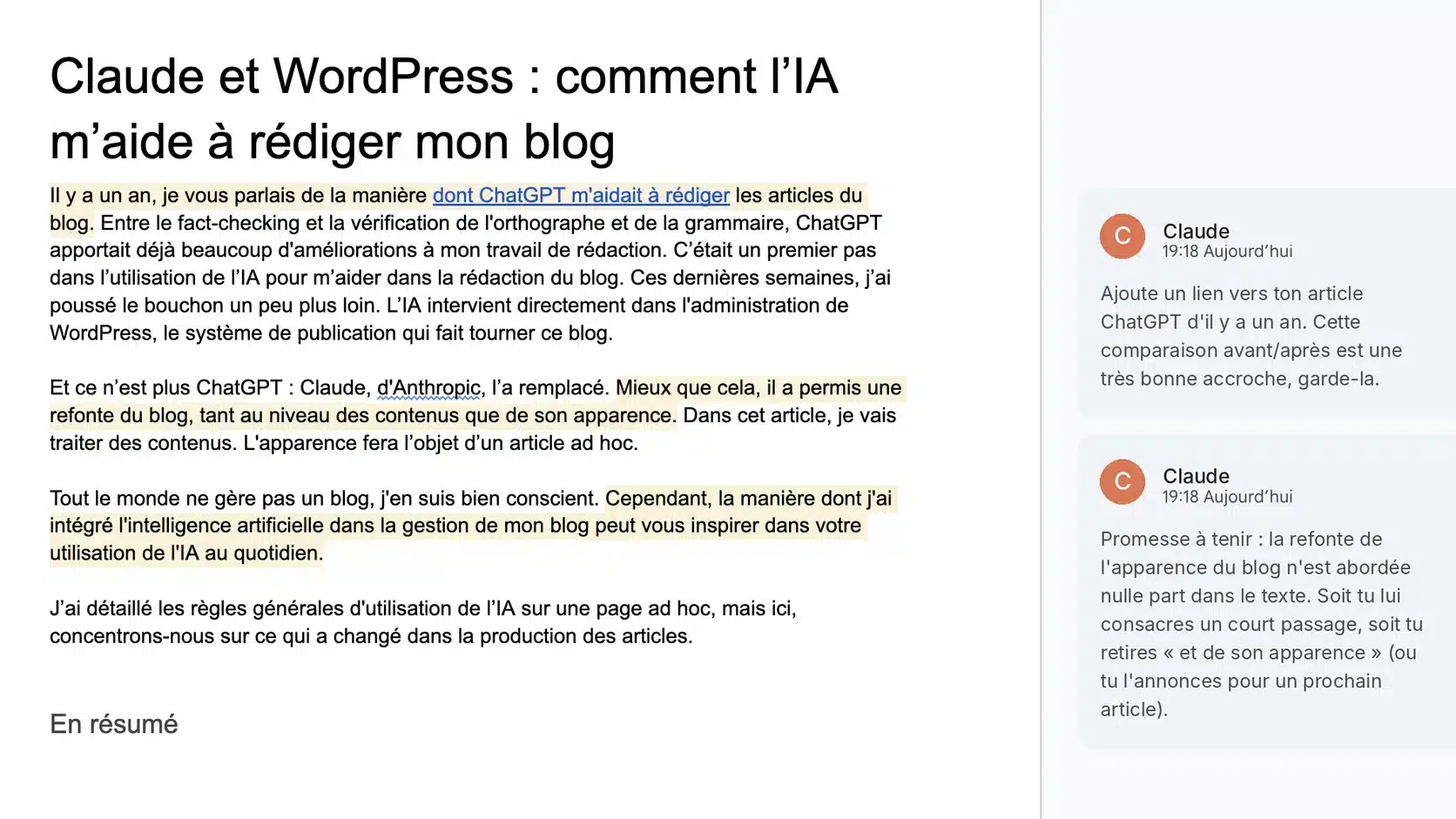
Once I have signed off on the text, Claude is the one that puts it online, minding all those SEO rules you have to think about when publishing. It writes the TL;DR box (the “In short” at the top), sets the featured image with its alt text, clears the cache and switches the article from “Draft” to “Published” to make it public.
What Claude does not do
With everything we know about AI, you are probably wondering whether Claude, or any other generative AI, could simply write the whole blog by itself.
The answer is yes. I have no doubt some commercial publications are already automated that way. But that was not the point here.
AI produces a statistically good result. That is not a criticism, it is how it is built: it generates the most likely answer, the one that looks most like what it has already seen. The result is a correct, average text, and the same kind of text for everyone.
So if you want to stand out, you cannot count on the model. You have to count on your own imagination, your life, your experiences: everything the models do not have.
That is why writing the text is a step I keep for myself. I already said so in my first article about ChatGPT, and the more we get used to living with AI, the more convinced I am. The best use I can make of AI is to have it boost and assist me with the more mechanical, repetitive tasks, but not with the creative part.
Another thing Claude and AI do not do (yet?) is manage comments. That is deliberate, not a limitation: I simply cut off its access to them. The main reason is the GDPR. Giving it access to comments would mean handing the data of readers who comment to a third party, when the whole blog is designed to keep that to a minimum.
One day, with a local AI running on one of my own PCs, Macs or servers, that might become possible, but it is a distant project for now.
Finally, the relationship between WordPress and Claude still has a few teething problems. The connector I use on my French blog lets Claude publish an article, but not schedule it for a given date and time. Claude cannot see the images either. It relies on the file names to work out what they show, or needs me to send it a screenshot so it can see the image and understand its context. I am sure these are temporary hiccups, and I hope they will be sorted within a few months.
What’s next?
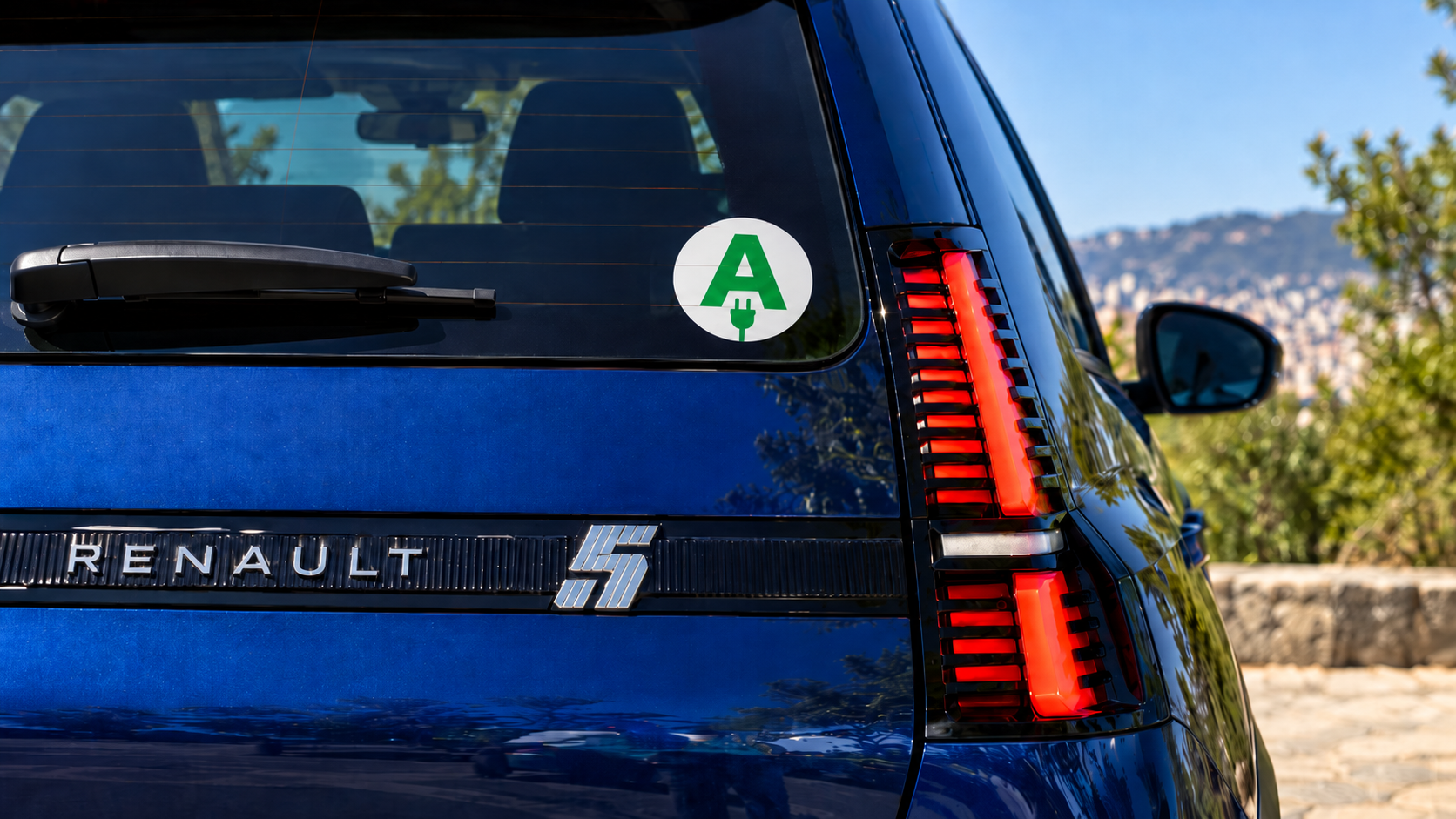
You do not need a blog to benefit from this. The same idea works elsewhere: instead of copying and pasting into a chat window, I let Claude work directly in my tools. It has tidied up my Google Drive and keeps the charging log for my Renault 5 in Google Sheets. The repetitive tasks go to Claude, the decisions stay with me.
And this is only the beginning, because I have gone much further with Claude and WordPress. In a future article, I will show you how Claude helped me redesign the look of the blog. And how this very article, written in French for my blog Le Carnet de Seb, ended up in English here on GateA1 without me translating it myself. I did read it before it went out, of course.


Leave a Reply